Connecting direct and assisted conversions with CRM data provides invaluable insights into customer journey touchpoints and SaaS marketing channels’ performance. Namely, you can build channel and content performance conversion patterns and connect them with various stages of your sales cycle to see how web and mobile conversions add up to your sales.
Let’s review the best practices for using this approach for in-depth user journey analysis for SaaS companies.
A Direct Conversion typically happens when a user comes from an online source, for example, a paid ad, and immediately becomes a lead. The most common scenario will be a Request a Demo form filled out on a landing page used for Google Ads.
What is an assisted conversion?
An Assisted Conversion will happen if a user used multiple channels to interact with your website before they actually converted into a lead. A typical example will look as follows: somebody discovered your website through paid advertising, then return through an organic source, and only then hit your website from the direct type-in to request a demo.
Why analyze both direct and assisted conversions?
Analyzing direct conversions only can bring a lot of bias into your marketing decisions, as you will be missing out on longer chains and patterns of touchpoints leading to conversions. Adding assisted conversions into your metrics mix lets you understand the following metrics better:
Conversion path lengths – how many interactions are required on average to convert a website visitor to a lead.
Roles of multiple channels in a user journey – which channels tend to facilitate conversion paths and customer journey touchpoints.
“Push” and “Pull” channels breakdown – insights into which channels are typically starting the conversion journey, and which tend to close it.
Why connect conversion data with your SaaS CRM?
Without going too deep into different attribution models woods, the main value of adding more information about lead sources to your SaaS CRM is channels’ performance data enrichment. By default, most CRM solutions will use their own way to assign an acquisition channel to a new contact or lead. However, most of the default CRMs settings tag a lead or a contact with just one Primary campaign. Thus, you are missing out on the multi-channel conversion paths completely!
Adding an extra layer of data from your web analytics systems can help you get more insights into channels’ performance and the value of direct and assisted conversions.
How to analyze SaaS leads’ origin and behavior with CRM data
3 best practices for using web analytics data in SaaS CRMs
1. Integrate your web analytics data with your CRM
A good example of such integration will be to add Google Analytics data into your SaaS CRM so that you can connect each GA conversion with the later stages of your sales funnel. Then you will be able to attribute sales and revenue numbers to specific marketing channels and touchpoints in more detail.
2. Build custom leads acquisition dashboards based on web analytics data
In addition to default CRM marketing reports, you can build customized dashboards to analyze full life cycle paths. Such integration of Google Analytics and CRM data adds an extra layer to the default CRM ROI analysis and reports and lets you build more robust attribution models than out-of-the-box methods offered by most SaaS CRM systems.
3. Drill down to individual keywords, pages, and ads sales potential
With this level of integration, you can connect your paid ads, blog posts, keywords, and even individual ad copy to your sales data. Thus you will get the full visibility of which keywords and ads are actually driving your SQLs, and then sales.
Liudmila is one of the best-in-class digital marketers and a data-driven, very hands-on agency owner. With top-level education and experience, Liudmila is a true expert when it comes to digital marketing strategies and execution.
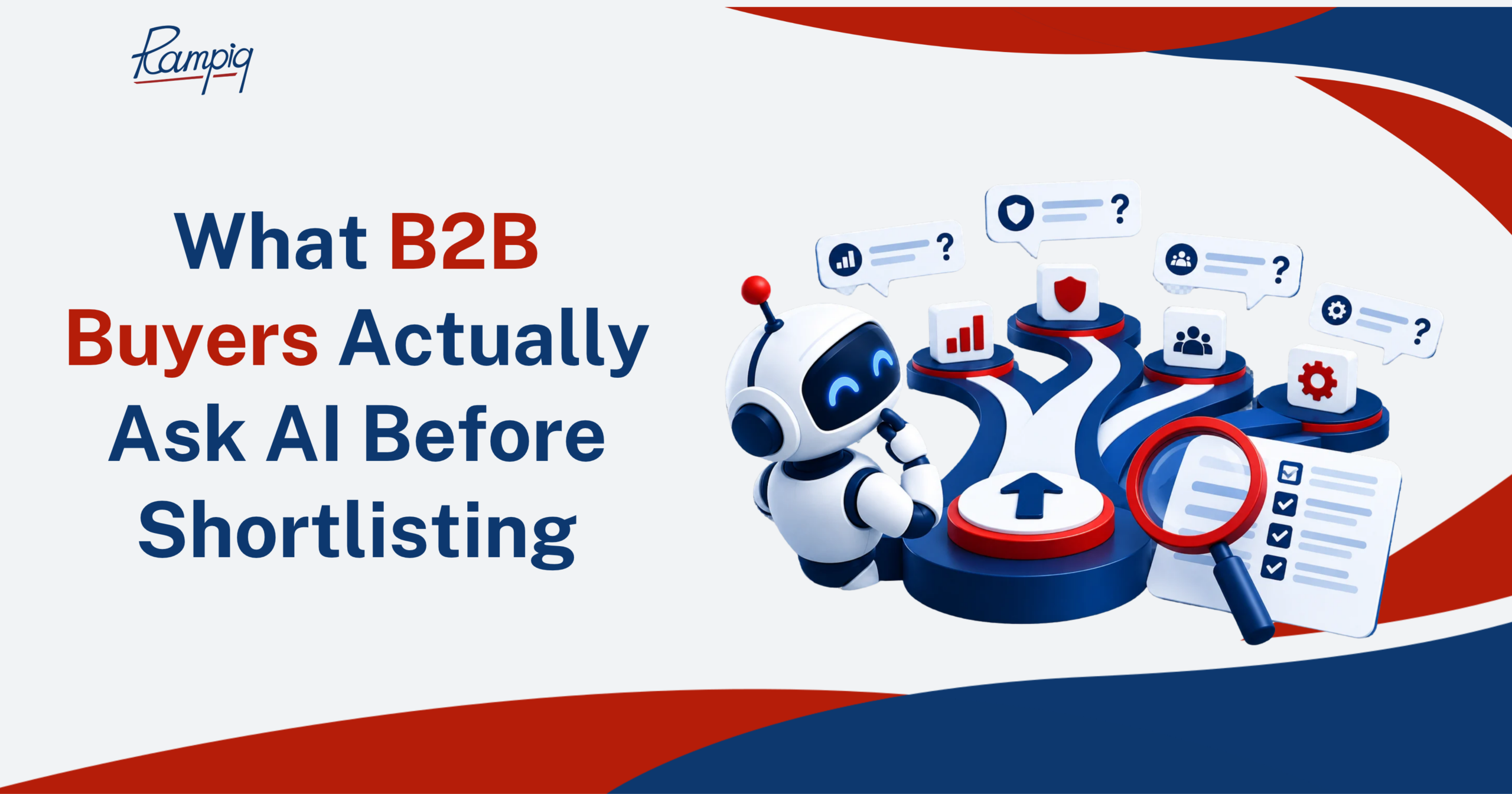
See how AI assistants build B2B vendor shortlists, which agencies get recommended, and what drives those recommendations. Based on real AI search data, learn why third-party mentions matter and how to improve your brand’s chances of being shortlisted.
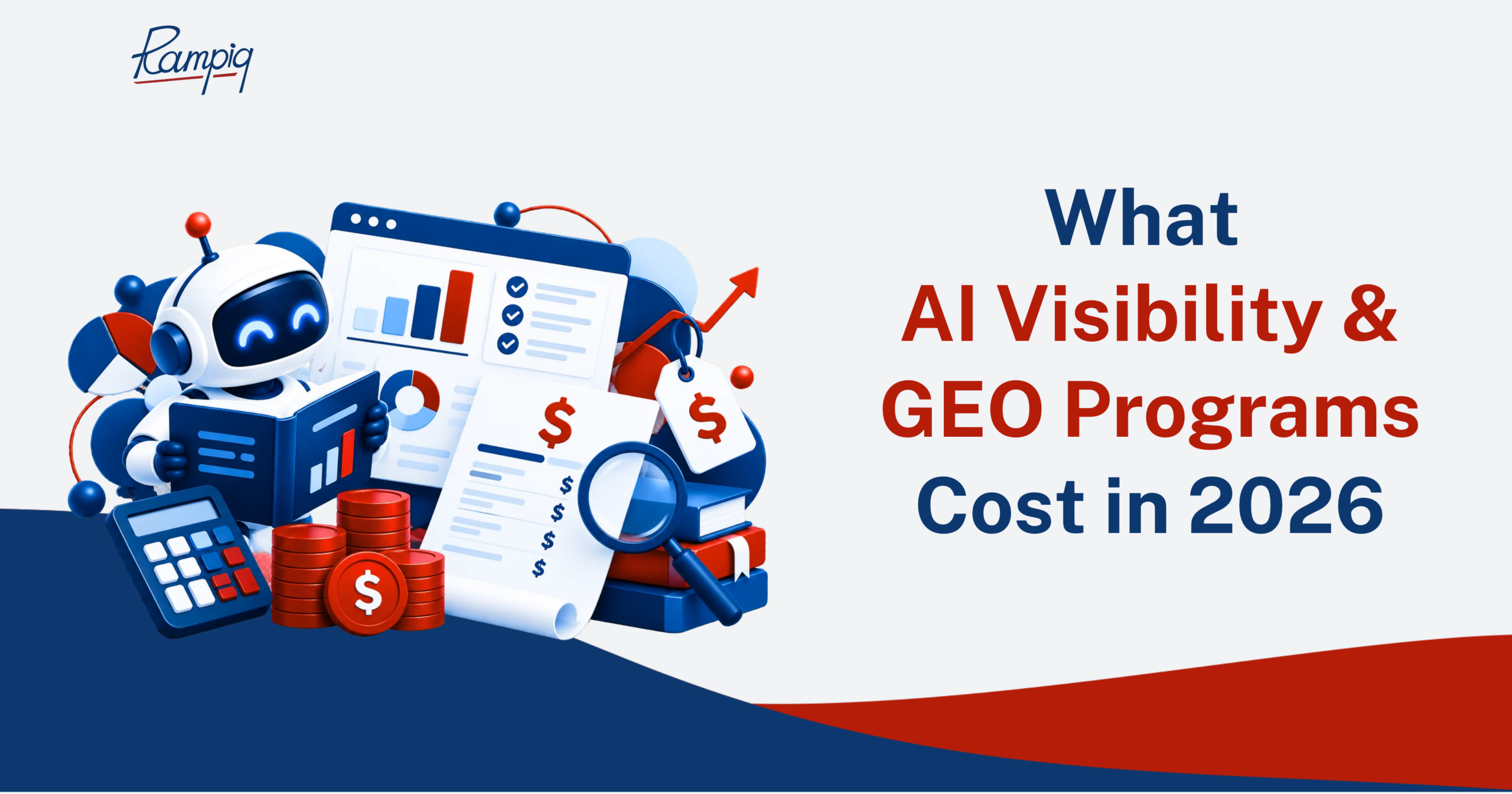
See what AI visibility and GEO programs cost in 2026, what drives pricing, and what’s included at each budget level. Learn how to evaluate agency quotes before you commit.
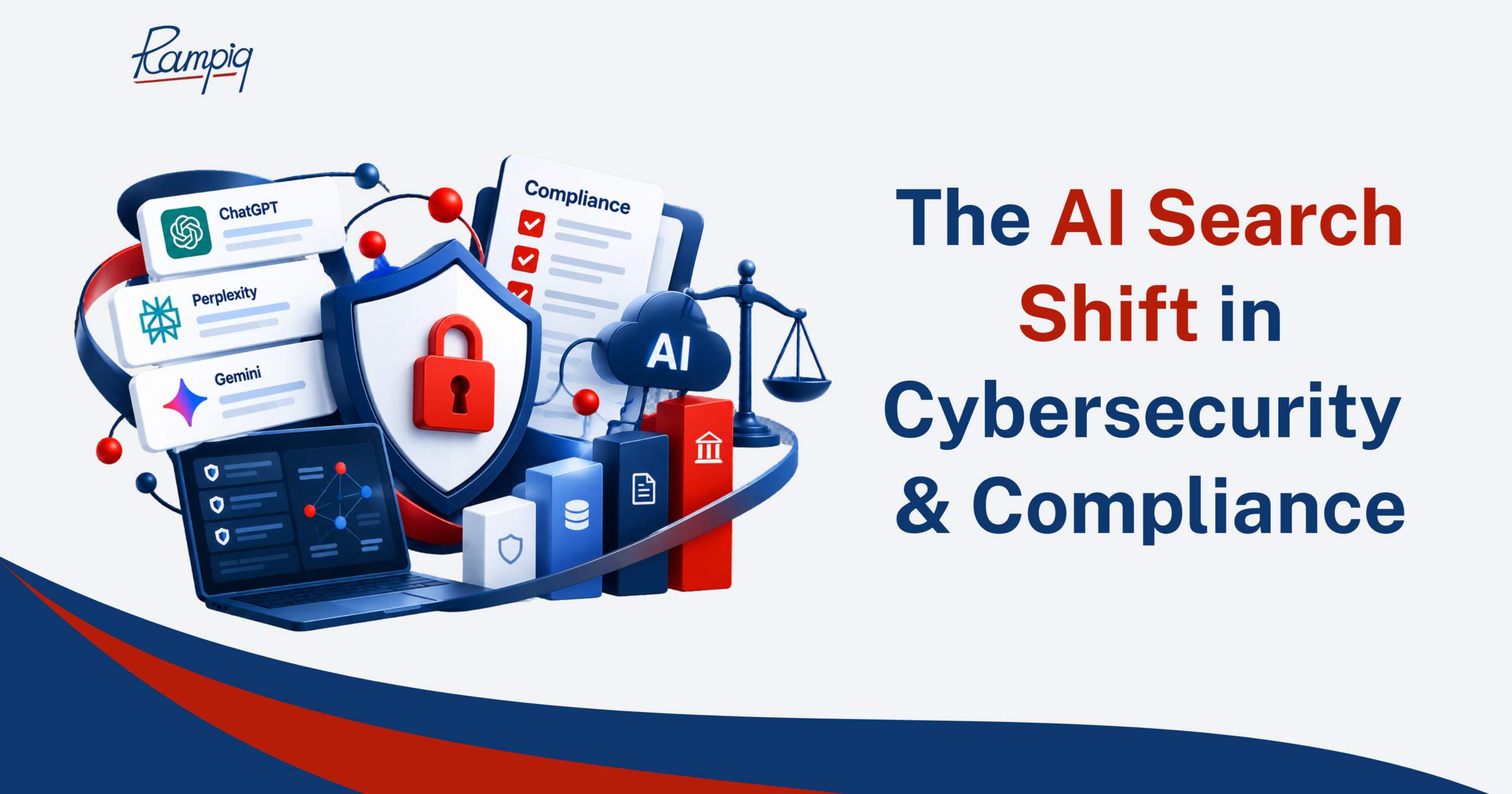
Most citations point to third-party pages, led by review and analyst sites. For your own site, that makes review-profile coverage a lever worth checking alongside your homepage.